
 20 Aug, 2025 • 2 minute read
Why a task in Qaxa is more than a checkbox
That matters because most task tools strip work down too far. They give you a short instruction, but leave the real collaboration somewhere else: in chat, in email, in scattered files, or in someone’s memory.
We think a task should do more than remind you something exists. It should help move the work forward.
When tasks lose their context
In many tools, tasks are isolated. A title. A checkbox. Maybe a date.
What is usually missing is the surrounding context:
- the brief
- the supporting file
- the discussion
- the ownership
- the next step
That makes tasks easy to create, but harder to complete well.
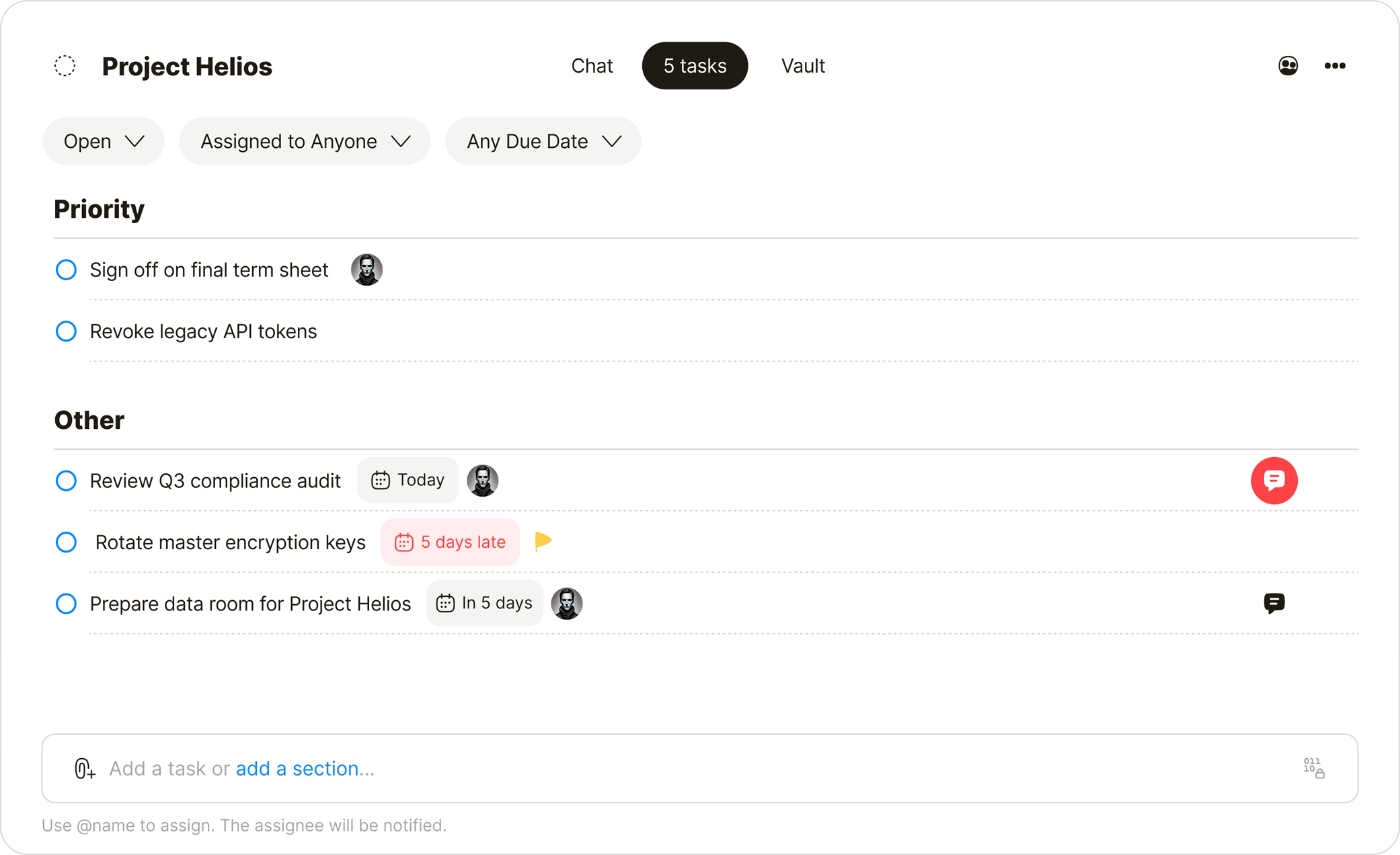
Tasks with context
Qaxa tasks are designed to keep the work together.
Create a task. Attach a file or reference document. Assign it to someone if needed. Discuss it inside the task itself. Move it forward as the work progresses.
Because the task lives inside a room, access follows the room. The people who belong there can see the work. People outside it cannot.
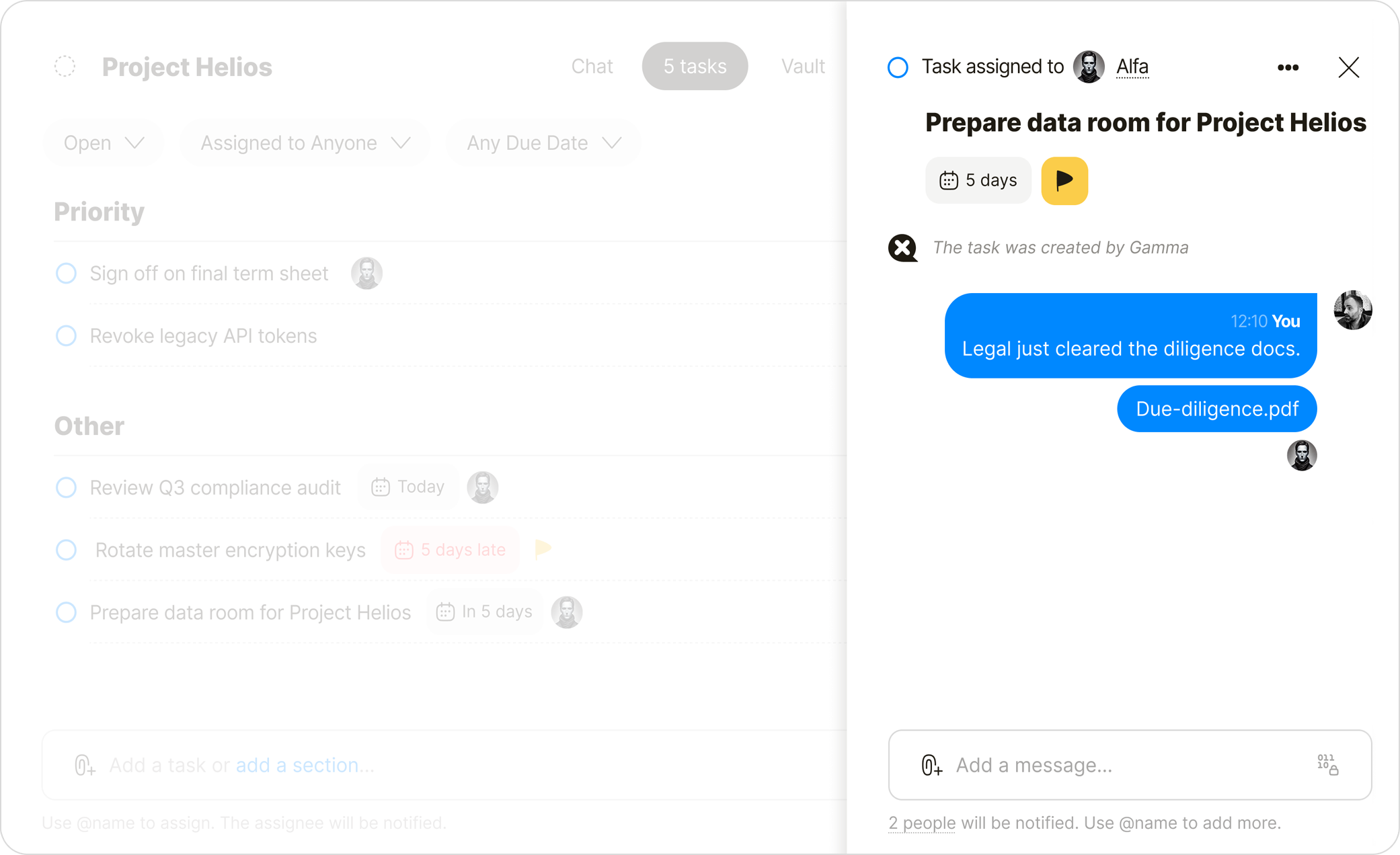
How it works
Create with context
A task can hold more than a title. Add the supporting material directly to the task so the work starts with the right context.

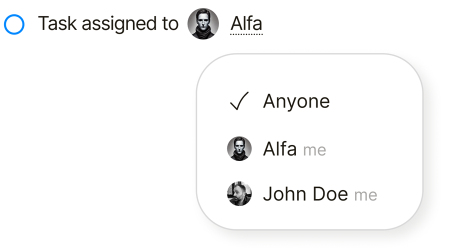
Assign ownership—or keep it shared
Some tasks belong to one person. Others belong to the room. Qaxa supports both, so you can assign responsibility when needed without forcing structure where it does not help.
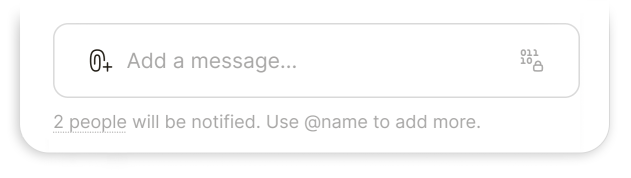
Keep the discussion inside the task
Each task has its own discussion thread, so updates, clarifications, and decisions stay attached to the work itself.
That means less jumping between tools and less risk of losing the thread.
Structure the workflow
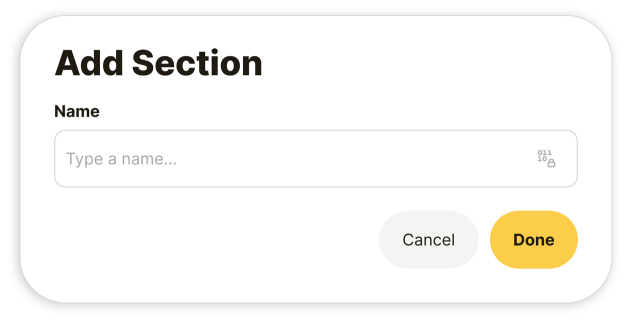
Use sections to group tasks in a way that matches your process—whether that is priority, backlog, in progress, waiting, or review.
The structure can stay simple, but it is there when you need it.
Get the right signals
Notifications should support the work, not compete with it.
Qaxa focuses on the moments that matter, such as when a task is assigned to you or when someone comments on work you are involved in.
The result
Tasks stay simple, but they carry more of the work with them.
You do not lose the file.
You do not lose the conversation.
You do not lose the context.
That makes a task in Qaxa more than a checkbox. It becomes a practical place to move work forward—privately and together.
What’s next
We are exploring improvements such as advanced filtering and faster keyboard navigation. But the principle will stay the same: a task should not just record work. It should help hold it together.