
 01 Sep, 2025 • 2 minute read
Why files in Qaxa stay private and in place
That matters because modern collaboration is often fragmented. Messages live in one tool. Tasks in another. Files somewhere else, usually behind external links, separate permissions, and extra friction.
We think files should not sit outside the workflow. They should be part of it.
When files lose their context
In many tools, files get separated from the conversation around them.
They end up:
- buried in long chat history
- stored in a separate drive
- shared by fragile external links
- detached from the task or decision they relate to
That makes work harder to follow and easier to expose.
Files that stay with the work
Qaxa keeps files attached to the work they belong to.
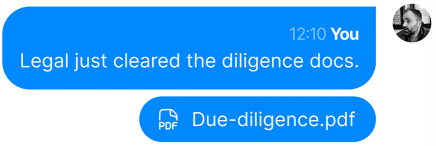
You can upload a file in chat, attach it to a task, keep it alongside notes, or store it in the room’s file area for ongoing access. The point is simple: the file stays where the work happens.
That means less digging, fewer broken links, and less need to spread sensitive material across multiple tools.
How it works
Contextual uploads
You can attach files directly inside the flow of work—in a message, inside a task, or next to supporting notes and discussion.

A central file area
For documents and assets that need a more permanent place, each room includes a dedicated encrypted file area. That gives teams a central place for contracts, briefs, creative assets, or reference documents without relying on an external drive workflow.
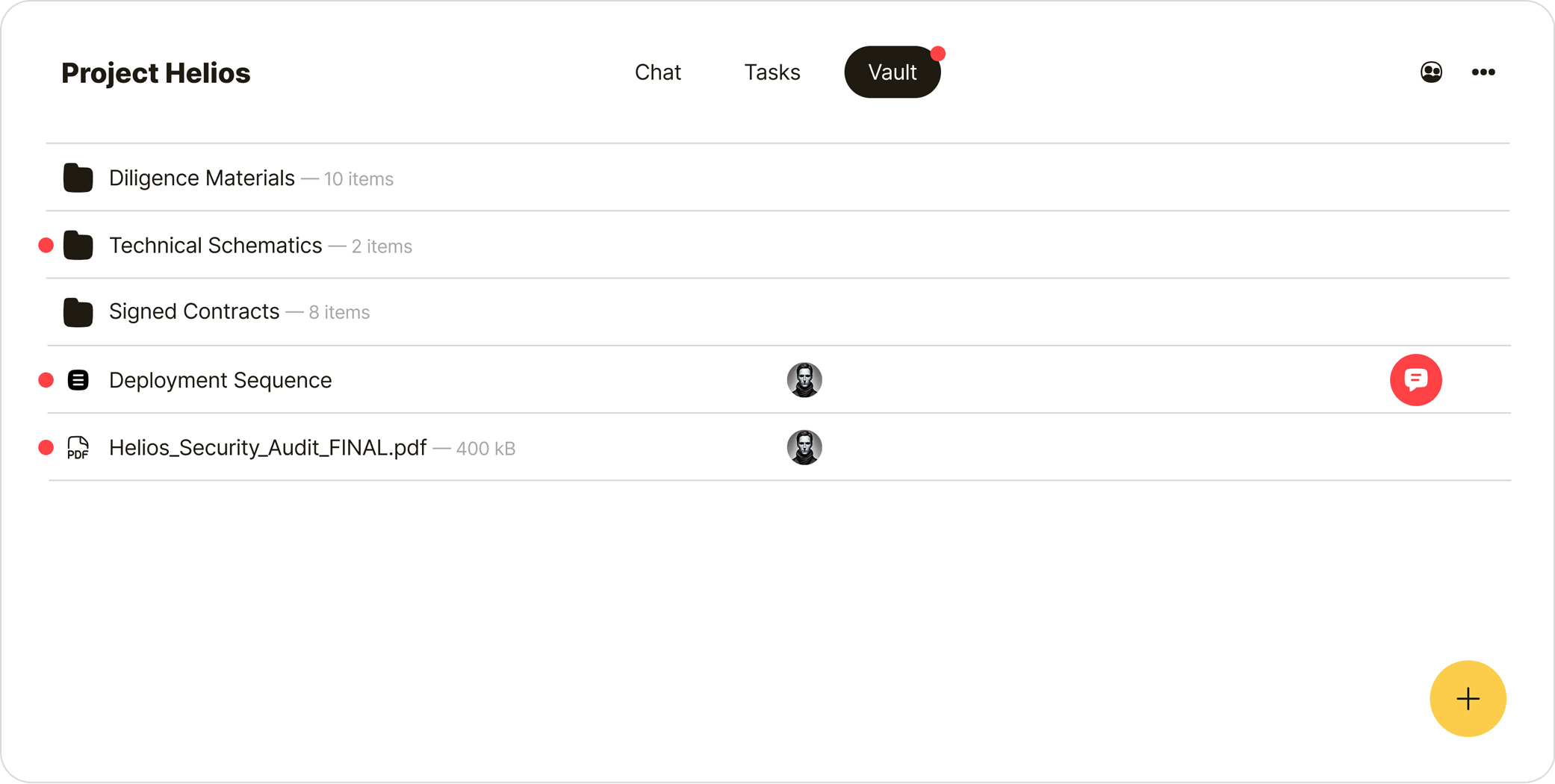
Encrypted before upload
Files are encrypted before they leave your device. Authorized members of the room can decrypt and access them. The provider stores encrypted data, not readable files.
Context stays attached
If a file belongs to a task, it stays with that task. If it supports a discussion, it stays with that discussion. The file does not lose the context that explains why it matters.
Built for real work
Some teams only need lightweight attachments. Others need to share larger documents, design files, or working materials as part of everyday collaboration.
Qaxa is designed so files are not an afterthought. They are part of the room, part of the workflow, and part of the security model.
The result
Files stay private, organized, and connected to the work that created them.
No scattered external links.
No separate drive as a second system.
No losing the context behind an important file.
Just files where they belong.
What’s next
We are exploring improvements such as secure previews and version history. But the principle stays the same: files should stay encrypted, and they should stay attached to the work.