
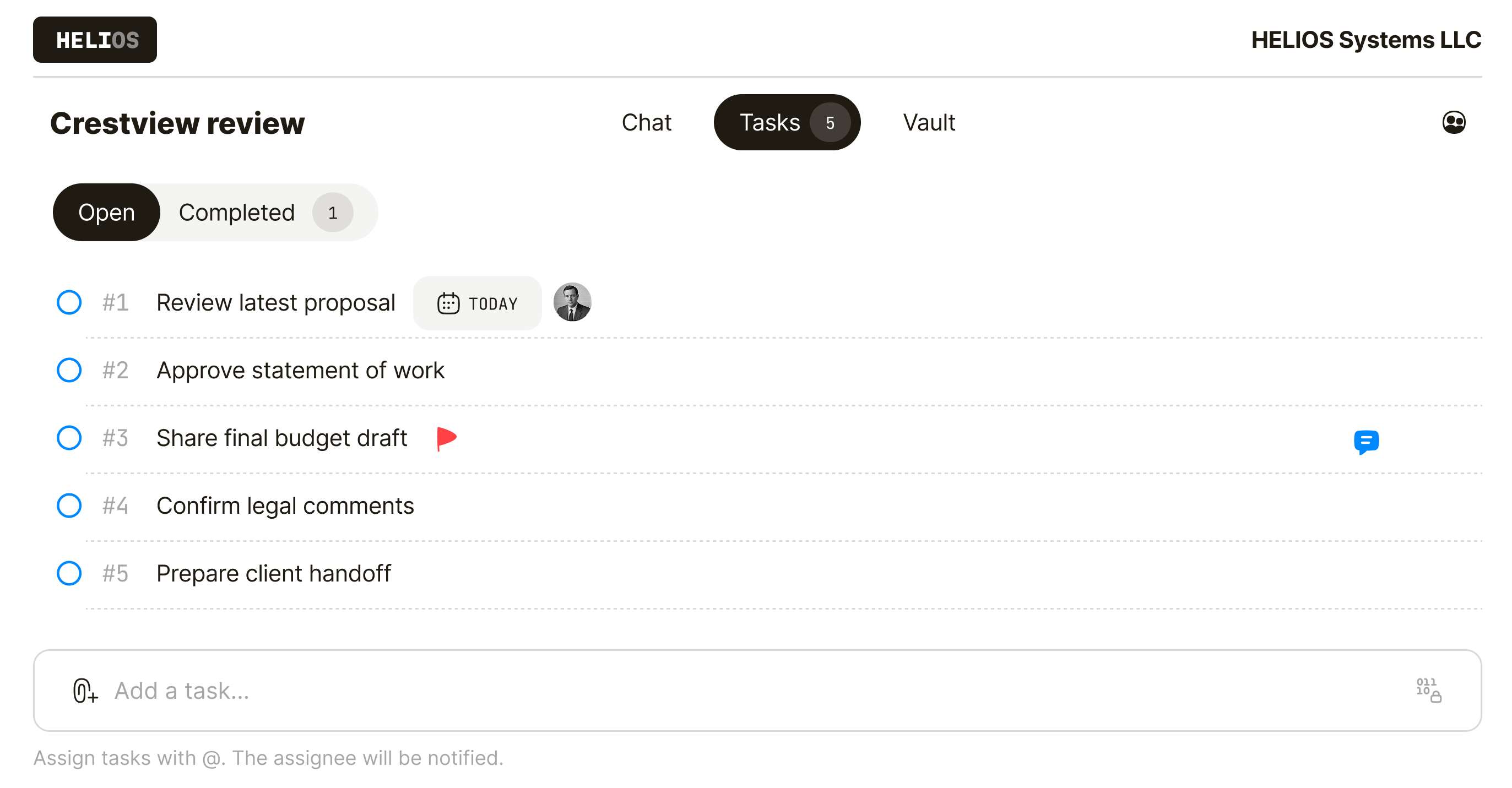
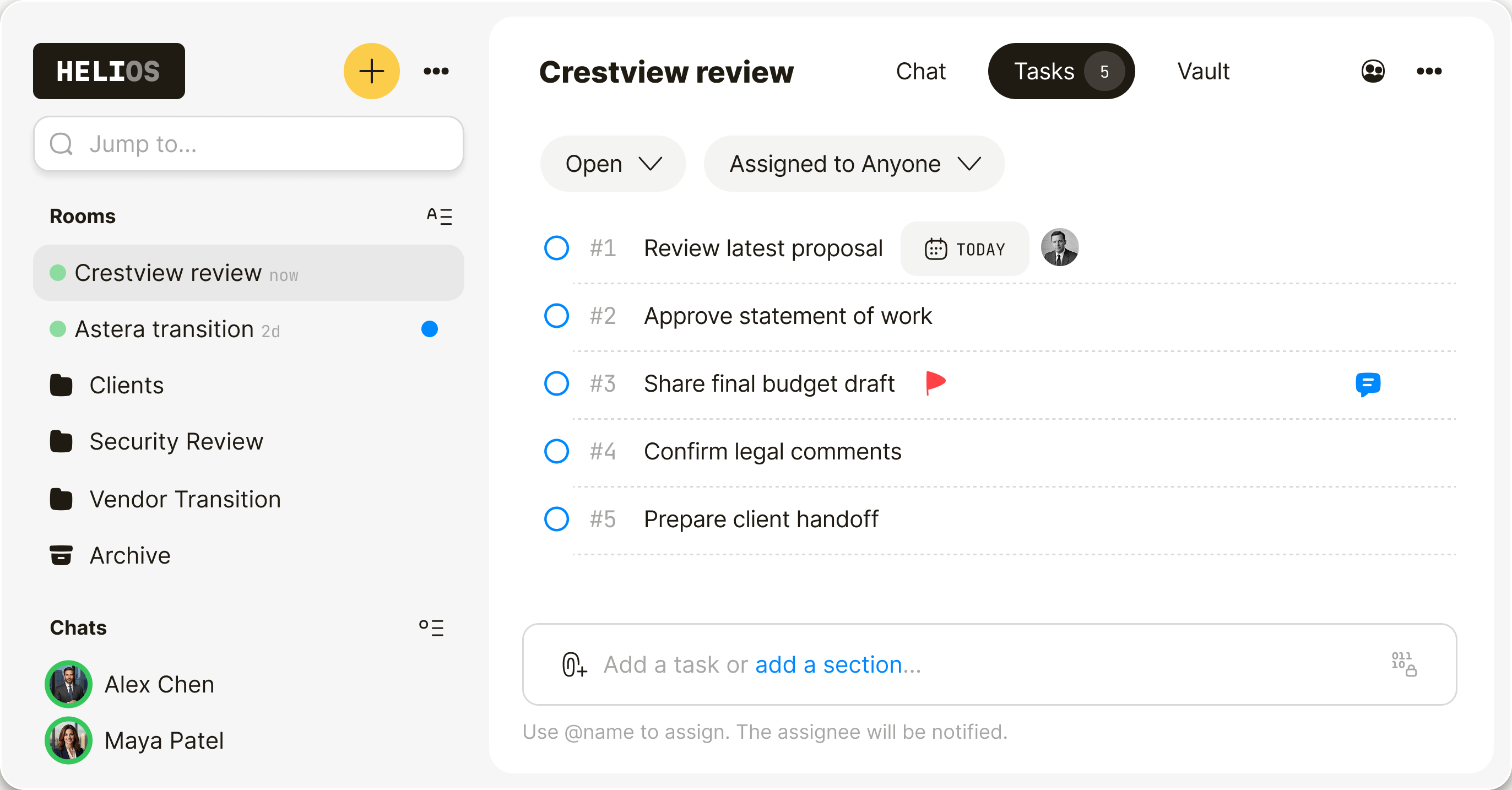
Scattered work creates risk.
Files sit in one place. Feedback in another. Approvals disappear into email. Next steps get lost in chat.
- Files and feedback get separated
- Approvals get buried in email
- Tasks lose context and ownership


Built for sensitive collaboration.
Keep files, feedback, approvals, and next steps out of email and shared drives.
From invite to
action—fast.
Create a room, invite the right people, and start working right away. No onboarding burden. No software to install.
- Invite guests in minutes
- Join in the browser
- Secure by default

When leaks are expensive.
For professionals delivering sensitive client work—without forcing clients into a new system.
Run deals, legal review, and board approvals without files scattered across inboxes. Keep agreements, cap tables, and approvals in one encrypted room.
Deliver client work in one private room for files, feedback, approvals, and handoff. Give clients a secure place to review, respond, and finish the work.
Coordinate incidents, investigations, and internal response without details spreading across chat, email, and drives. Keep evidence, timelines, and action items in one encrypted room.
Readable only
to you.
Qaxa encrypts locally, before anything leaves your device. Our servers store ciphertext, not content. If data is breached or seized, what others get is unreadable ciphertext—not your files, messages, or notes. Don’t trust us. Trust the math.

Practical answers. No fluff.
Everything you need to collaborate securely.
Yes. Qaxa is built for sensitive work that should not be scattered across inboxes, shared drives, and general-purpose tools. Everything in the room is end-to-end encrypted, so files, messages, tasks, notes, and comments stay accessible only to invited participants. Read more in our security model.
Yes. Qaxa is built for collaboration across organizations, so you can work securely with clients, partners, and external advisors in the same room.
No. Invited clients can create a free account and join the room without paying for Qaxa.
No. Qaxa works in the browser, so clients can join and collaborate without installing a separate app.
Yes. Messages, files, tasks, notes, and comments are end-to-end encrypted, so only invited participants can access them.
Yes. You control who gets invited to each room, and only invited participants can access its files, messages, tasks, notes, and comments. That keeps each room limited to the people who need to be there.
Yes. Clients can upload files, review deliverables, leave comments, chat with your team, and follow next steps in the same room, so nothing gets scattered across email threads and shared folders.
Yes. Qaxa brings messages, files, feedback, approvals, and next steps into one private room, so work stays together instead of getting scattered across email threads and shared drives.
You can invite unlimited people to your network and add up to 50 participants to a single room.
When the project is finished, the room stays available as a private record of the work unless you choose to delete it. That lets you keep files, messages, notes, tasks, and decisions together for future reference, handover, or audit needs.


