
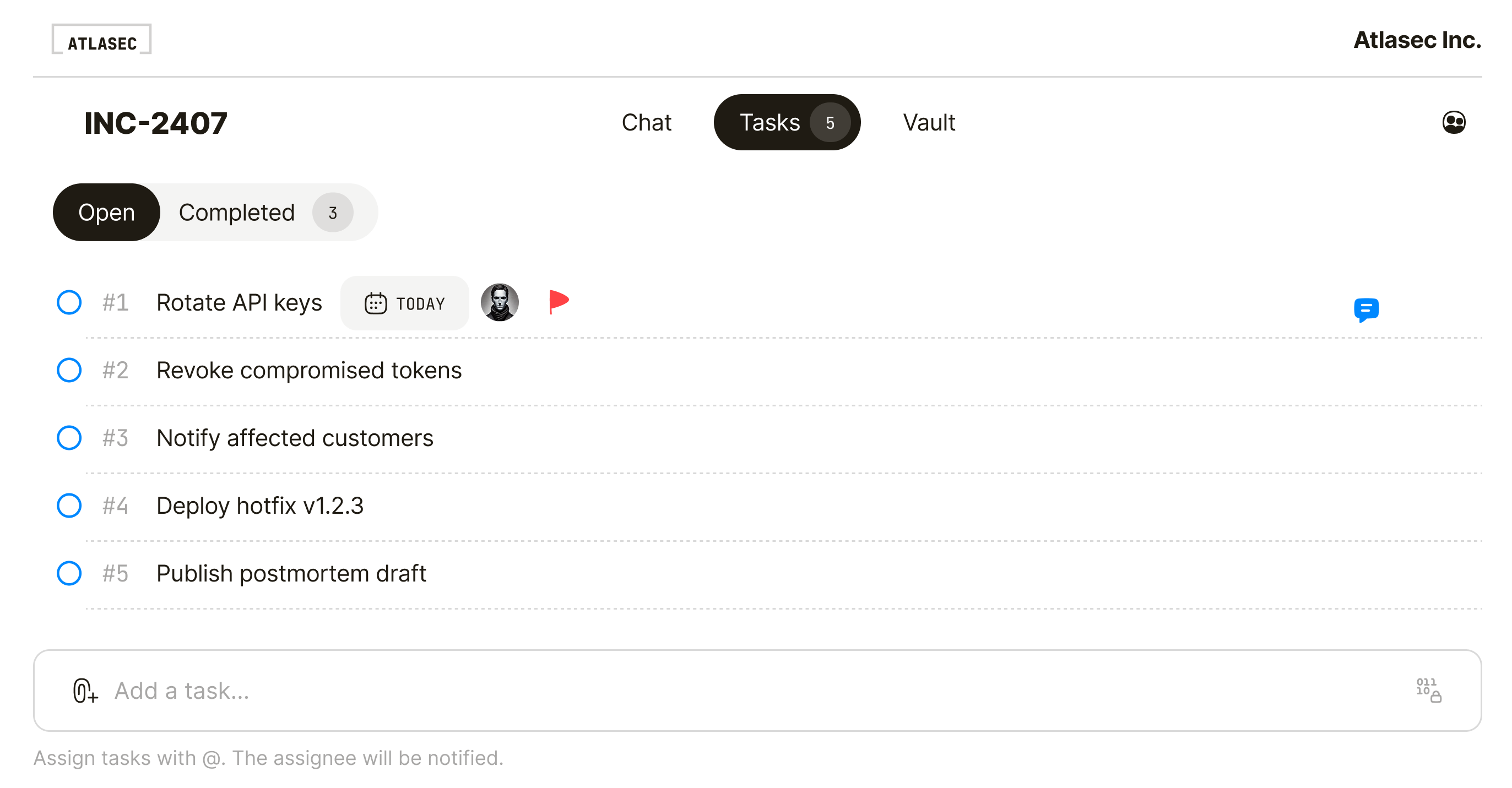
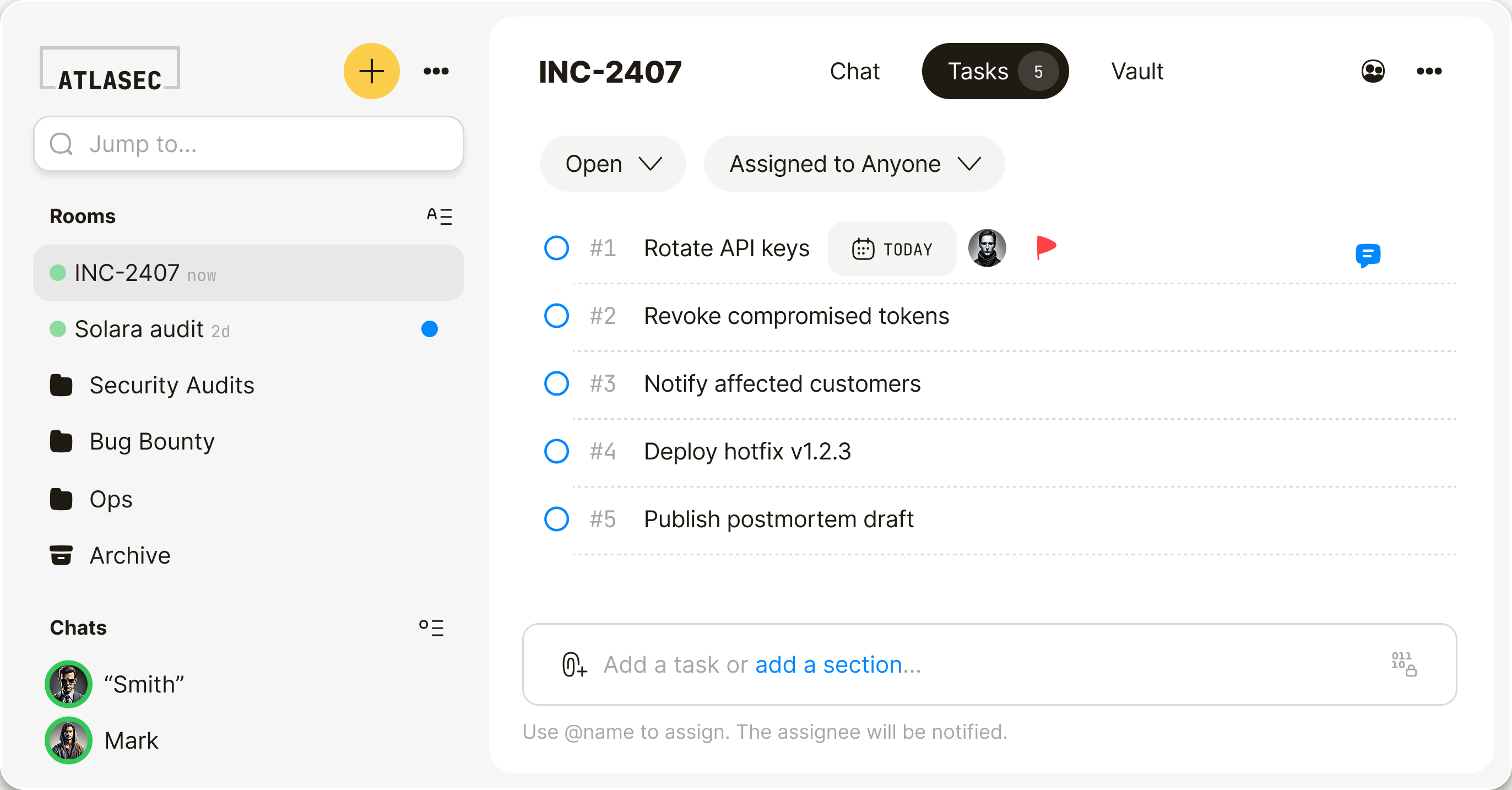
Built for high-risk incidents.
Keep reports, evidence, and patch coordination out of Slack, email, and shared drives.
Zero-days don’t belong in Slack.
Critical reports should not live in general-purpose chat. Qaxa gives you an encrypted room to coordinate fixes without provider access.
- No plaintext on our servers
- No server-side keys
- Provider cannot read the room


Don’t slow
incident response
with onboarding.
When time matters, external responders should not need training, setup, or seat approvals. Send an invite. Open the room in the browser. Get to work.
- No guest licenses
- No apps to install
- Join in 60 seconds

Cryptographic
noise to everyone
but you.
Not all end-to-end encryption is zero-knowledge. Qaxa encrypts locally before anything leaves your device. We store only ciphertext, so a server breach or legal request yields nothing but cryptographic noise. Don’t trust us. Trust the math.
View the security model →

Practical answers. No fluff.
Everything you need to coordinate incident response securely.
Yes. Qaxa helps teams coordinate incidents, investigations, and sensitive follow-up in one encrypted room. You can share evidence, discuss findings, assign remediation, and control access without relying on email threads, shared drives, or general-purpose chat.
Yes. Invited external responders, investigators, or auditors can create a free account and join the room securely.
Yes. Files, messages, tasks, notes, and comments are end-to-end encrypted, so only invited participants can access them. Read the security model for more detail.
Yes. Room owners control who gets invited, and only invited participants can access the room. Keep a room limited to your internal team, or bring in specific responders, auditors, or counsel when needed.
Yes. Teams can share logs, reports, screenshots, documents, and other sensitive evidence in an end-to-end encrypted room, so only invited participants can access it. That keeps investigation material private while giving the team one secure place to review and act.
That is the idea. Qaxa keeps sensitive response work out of scattered inboxes, chats, and shared folders.
Yes. Reports, evidence, discussion, and follow-up stay together in the same room, so the response does not get split across separate tools.
No. Qaxa works in the browser, so your team and external participants can join without installing a separate app.
Yes. Qaxa can support remediation and postmortems by keeping evidence, discussion, files, and follow-up tasks in one private room. That gives your team and trusted outside parties one place to work without scattering sensitive details across email, chat, and shared drives.
The room stays available as a secure record of the work. You can keep it for reference, restrict access, or archive it once the incident is closed.


