
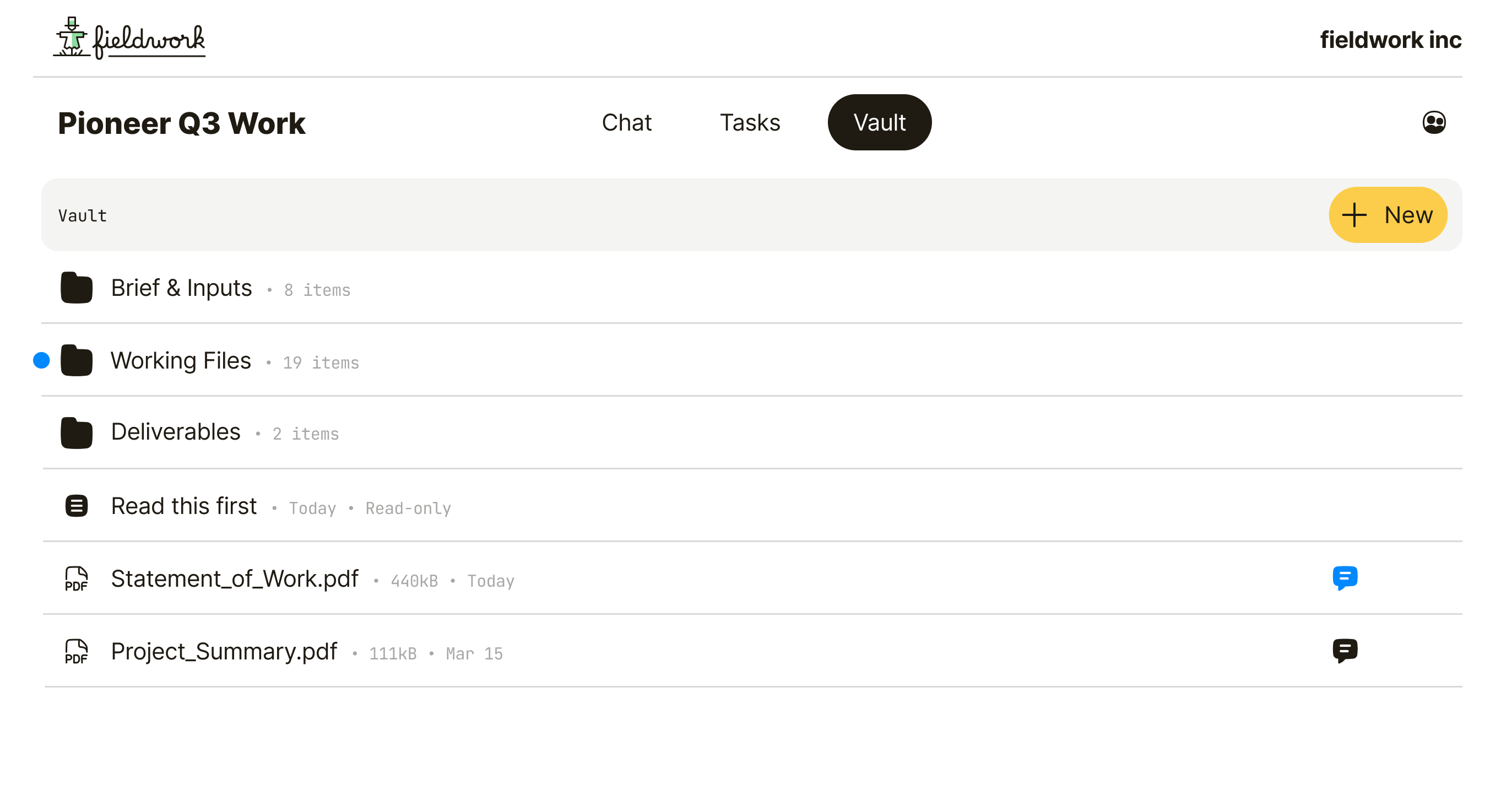
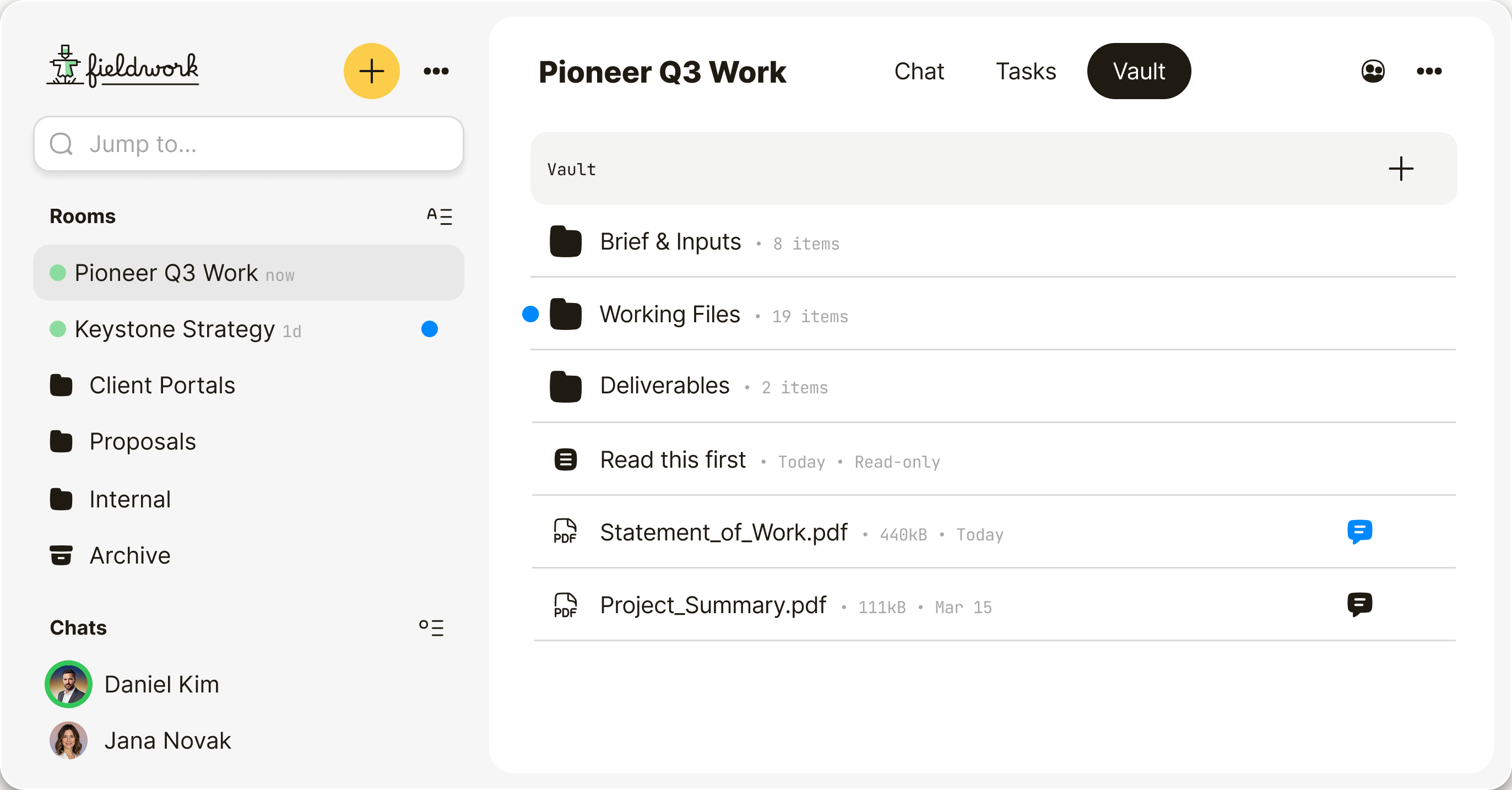
Built for private client work.
Stop sending deliverables, feedback, and approvals through tools that don’t protect your work.
Your best work
deserves better
than a cloud link.
When you charge premium fees, the delivery should feel premium too. Qaxa gives clients a private room for deliverables, feedback, and next steps—without scattered links or exposing your internal workflow.
- No scattered links
- No lost feedback
- No exposed internal workflow


Don’t make
the client learn
another tool.
Most project tools come with setup, onboarding, and tutorials. Qaxa doesn’t. Clients join in 60 seconds, review in browser, and approve right away.
- Join in 60 seconds
- No client seat fees
- No apps to install

Keep unreleased
work private.
Your creative work is one of your most valuable assets. Qaxa is designed so we can’t read your plans, strategies, or client files. You hold the keys. We store ciphertext, not content, and we don’t train AI on your work.

Practical answers. No fluff.
Everything you need to know before opening a client portal.
No. Invited clients can create a free account and join the client portal without paying for Qaxa.
No. Qaxa works in the browser, so clients can join, review, and respond without installing a separate app.
You can set up a client portal in under a minute. Create the portal, invite the client, and start sharing files, feedback, and approvals right away from the browser.
Yes. You can invite clients and external collaborators into the same client portal and keep files, feedback, and next steps together. Files they upload count toward the storage included in your plan.
They can view files, leave feedback, chat, upload documents, add notes, create tasks, and follow next steps in one place.
Yes. You can create a dedicated client portal for each client, project, or engagement.
Yes. Clients can upload files, review deliverables, leave comments, and keep approvals in the same client portal.
Yes. All room content, including files, messages, tasks, notes, and comments, is end-to-end encrypted, so only invited participants can access it. Read more about our security model.
Yes. Instead of scattering client work across inboxes and shared drives, Qaxa keeps files, feedback, approvals, and next steps together in one private client portal.
It stays available as a secure record of the work. You can keep it, restrict access, archive it, or delete it when the project ends.


