
Chat works
better in context.
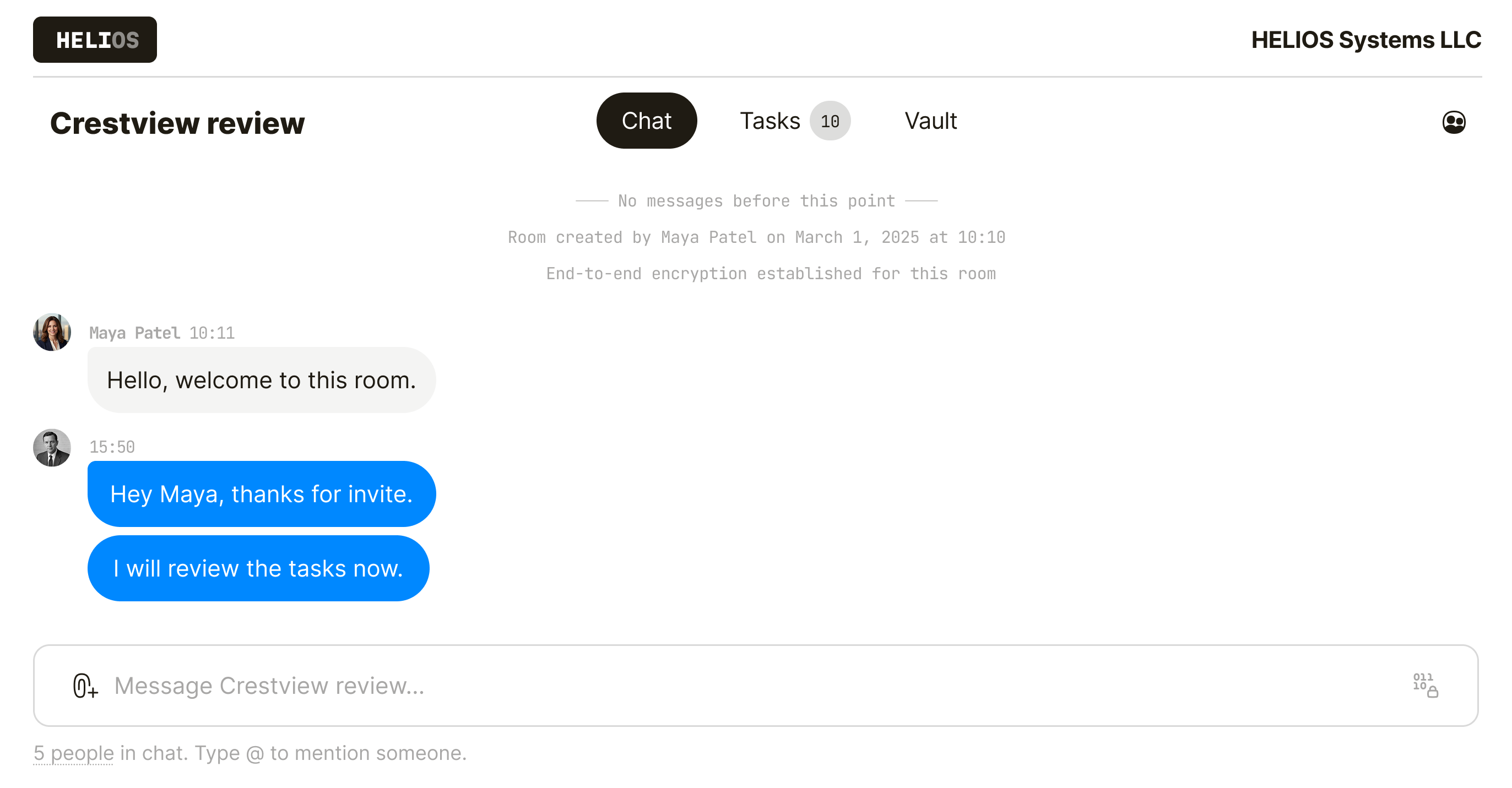
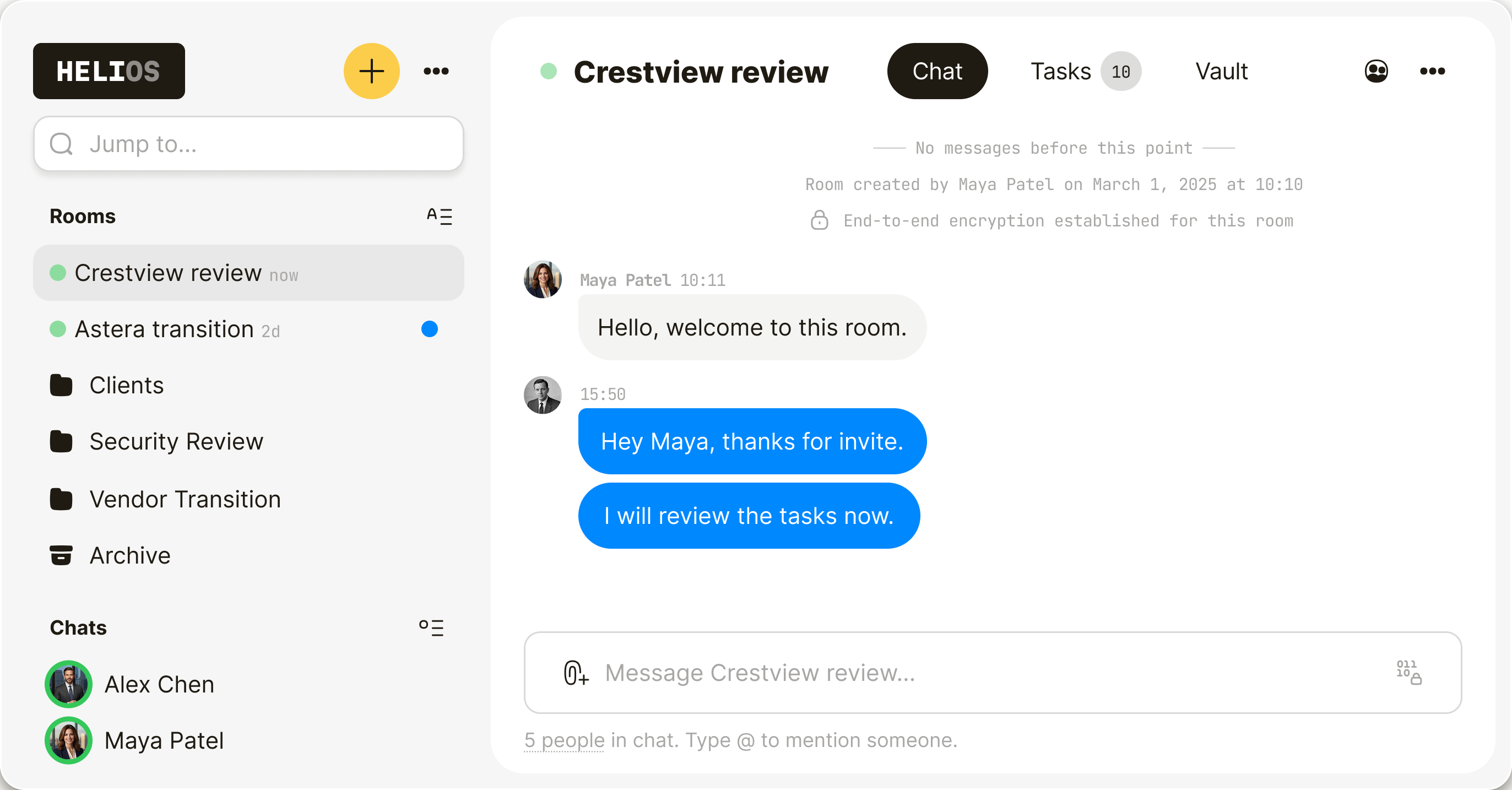
Most chat tools separate the conversation from the work. Qaxa keeps files, tasks, approvals, and discussion in one private room—so decisions stay attached and nothing gets lost.
- Chat beside the file
- Decisions beside the task
- Discussion beside note
- Fewer tools, fewer leaks

Every conversation has its place.
From 1:1 messages to file feedback, Qaxa keeps each conversation where it belongs.
Direct chat
For private 1:1 conversations.

Group chat
For shared discussion with everyone in the room.

Task comments
For decisions and updates on tasks

Notes & files
For feedback attached to files and notes.

Keep side
conversations
private.
Use 1:1 chat for sensitive questions, quick clarifications, and short-lived coordination.
- End-to-end encrypted
- One-to-one only
- Optional message expiry

Keep group
chat inside the
room.
Each room has its own shared thread, visible only to the people in it.
- Invite-only membership
- Shared room history
- No cross-room leakage

Talk in context.
Not in fragments.
In Qaxa, conversations can happen in the room chat, inside a task, under a note, or next to a file—so feedback stays attached to the work it belongs to.
- Review comments on a proposal
- Clarifications under a task
- Questions under a shared note
- File discussion beside the asset

Your own
private locker.
Save messages and files for later—without sending them to another app or exposing them to others in the room.

Built for chat that stays in context.
Keep messages, feedback, and approvals attached to the work—not scattered across chat apps.
Designed so even
we can’t read your
room.
Qaxa is built so we cannot read your messages. They are encrypted before they leave your device, and stored as ciphertext—not plaintext.
View the security model →

Practical answers. No fluff.
Answers about chat, rooms, and how privacy works in Qaxa.
Yes. Messages are encrypted so only the intended participants can read them. Learn more about why we use PGP.
No. Qaxa cannot read your messages because chat is end-to-end encrypted.
Only invited participants in that room can access its chat history.
No. Invited guests can create a free account and join the room without paying for Qaxa. Any files they upload count toward the room owner’s storage, not the guest’s.
Yes. You can invite clients, contractors, and other external partners into the same room, so everyone can chat, share files, review work, and follow next steps in one private place.
Yes. Files, chat, and follow-up stay together in one private room.
No. Qaxa is built to protect private communication, not to analyze it. Messages are end-to-end encrypted, and because we have no access to chat content, we cannot analyze it for tracking or ad-style analytics.
Qaxa is built for private collaboration. Chat lives inside encrypted rooms with files, tasks, and comments—not in a general company feed.
Qaxa works in the browser, so there is nothing to install. You can open it on desktop or mobile and start chatting, sharing files, and working in the same private room.


