
 11 Dec, 2025 • 3 minute read
Why we don’t have a “Forgot Password” button
It feels convenient. But that convenience depends on a particular security model: the provider still retains enough control over account access to help you get back in.
Qaxa is built differently.
We designed Qaxa so your private work stays under your control. That means we do not offer a traditional email-based “Forgot Password” flow, because the system is designed so we do not hold the keys needed to restore your encrypted workspace for you.
Why traditional password reset exists
In many mainstream tools, password reset is possible because the provider remains inside the trust boundary.
That model can be convenient. It can also mean the provider retains a level of access or control that Qaxa is specifically designed to reduce.
At Qaxa, we believe that if you create the work, you should be the one who controls access to it.
A self-custodial model for your workspace
In the world of digital custody, there is a simple principle: control follows the keys.
Qaxa applies that principle to private collaboration. Messages, files, notes, and other sensitive content are encrypted on your device before they reach our servers.
That means:
- we do not know your password
- we cannot read your tasks, files, notes, or messages
- we cannot perform a traditional reset that restores access to encrypted content on your behalf
That is not a missing feature. It is a consequence of the architecture.
Recovery works differently here
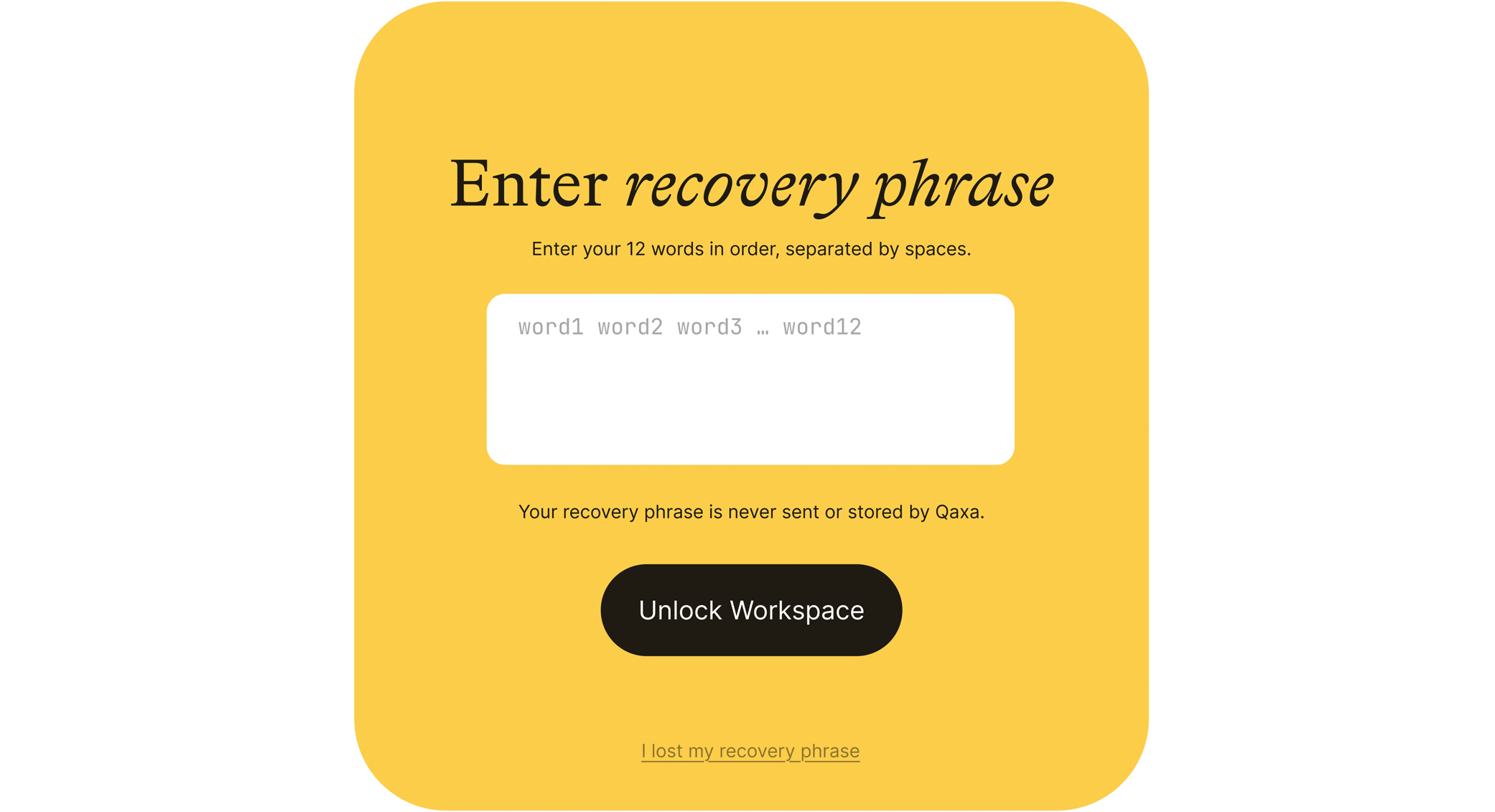
When you create a Qaxa account, you receive a 12-word Secret Recovery Phrase.
That phrase is the recovery method for your encrypted workspace.
If you forget your password, Qaxa does not send a magic reset link that restores full access to your encrypted content. Instead, recovery depends on the phrase generated for you during setup.
Think of it less like resetting a website password and more like keeping the recovery key to something you truly control.
Why the recovery phrase matters
Your recovery phrase is important because:
- it is generated on your device
- we do not store it for you
- it is the main way to restore access if you forget your password
- if you lose it, recovery becomes much harder or impossible, depending on the situation
That is why it should be stored carefully—in a trusted password manager, written down securely, or protected using another method you trust.
The tradeoff: less convenience, more control
We know this model asks more from the user.
But it gives something important back: stronger separation between your work and the provider.
That means:
Less provider access
Your content is not sitting on our servers in a form we can routinely read.
Stronger protection in a breach
If infrastructure is compromised, encrypted data is far less useful without the keys.
No hidden admin view of your work
The system is designed so your private content is not available to us as readable material behind the scenes.
Less dependence on trust
You do not need to rely solely on promises about good behavior. The architecture reduces what the provider can access in the first place.
Why this matters
A traditional password reset flow is easy to take for granted. But it usually reflects a system where the provider still plays a privileged role in access recovery.
Qaxa takes a different approach.
We would rather give you stronger custody over your work than preserve the illusion of convenience at the cost of provider-side power.
The point
So yes, Qaxa handles account recovery differently.
That difference exists for a reason.
We built Qaxa so your security depends less on trusting us and more on the architecture itself. That means more responsibility on your side—and much less silent power on ours.
—
Because your password plays a critical role in protecting access to your workspace, it’s worth making it strong. Read next: Password Strength—why 20+ characters usually matters more than complexity rules.